4 hearts · close combat
Cat knight
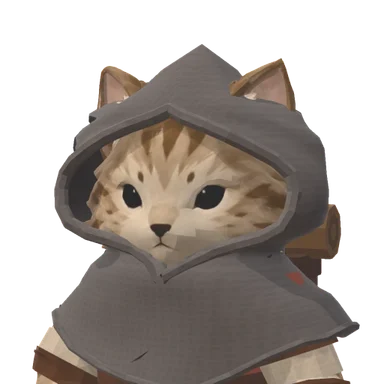
Wide sword swings and more health. Starts with a sword and a returning blade throw, and picks up daggers, a bow and more on the road.
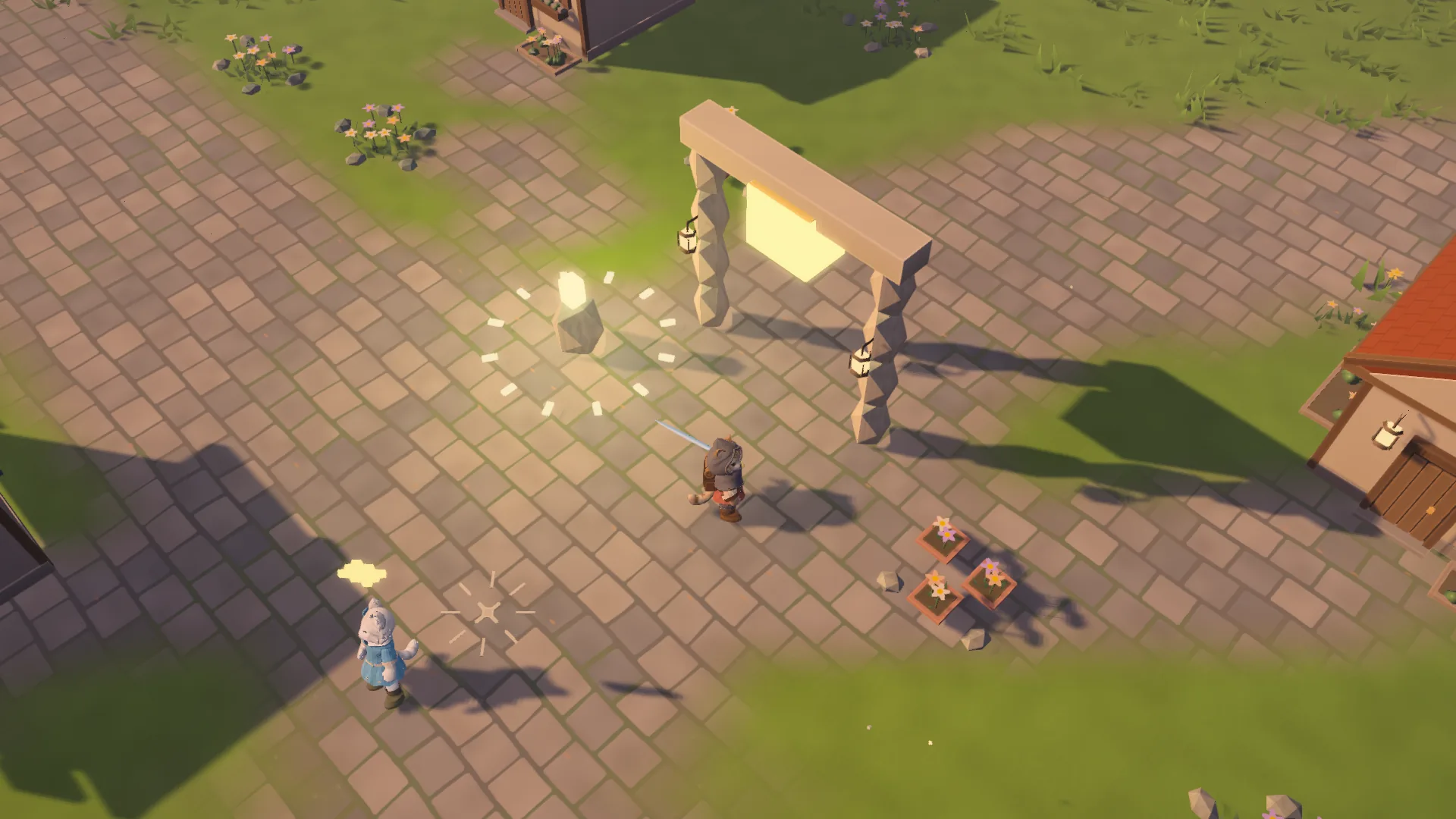
Everything for your first evening above the clouds: who to play, how the controls work on a phone and a keyboard, how to read a guardian’s blow and why the lanterns matter.
4 hearts · close combat
Wide sword swings and more health. Starts with a sword and a returning blade throw, and picks up daggers, a bow and more on the road.

3 hearts · ranged magic
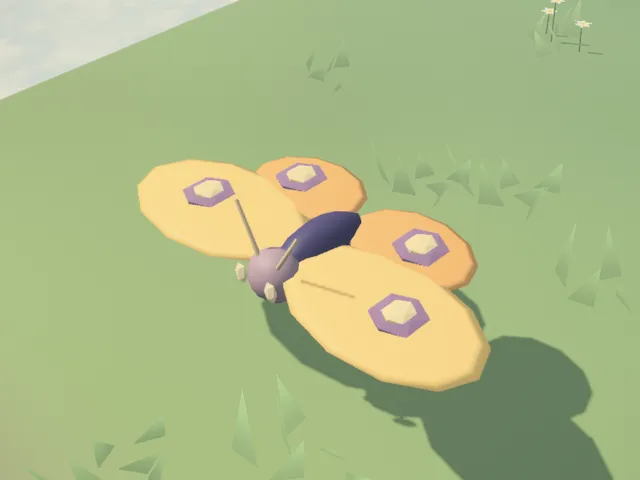
Rain magic that strikes from afar. Walking refills your raindrops, so the Rainkeeper fights on the move. Starts with a rain staff and a rain comet.
New to action games? The cat knight forgives more mistakes. The Rainkeeper rewards keeping your distance and staying on the move.
The game’s own notes, as the How to play page in Settings shows them.
Speak with Orin in Bellwether. Help villagers, explore ruins and defeat Keepers to open new paths.
Move with WASD, arrows, or drag a mouse or finger. E or the action button: talk and use objects. Esc: pause. P: 3D or pixel art.
Face a foe and stop to attack automatically. Hold F / Q or drag the skill orb to aim; release to cast. Tap the orb for a quick cast.
Space / Shift or a quick tap: dash to dodge, using stamina. While dragging, tap with a second finger. Heal at inns or healing lanterns, or use rations from your gear.
M: map. J: quest journal. On touchscreens, use their buttons. Select a quest to track its destination; explore new regions to reveal the map.
Collect embers and open chests. I or the bag button: gear. Select an item, then Equip. Only equipped talismans grant bonuses.
Defeat each floor’s guardian to go deeper. In caves, solve chime or lantern puzzles. Press the reward button to claim your prize.
After Orin’s first errand, use lit lanterns on the map to travel safely outdoors. Progress saves automatically on this device. Defeat returns you to a checkpoint with your gear.
A separate arena mode: defeat waves, collect sparks and choose upgrades at each level. Try new weapons and skill combinations.
| Action | Keyboard and mouse | Touch |
|---|---|---|
| Move | WASD or arrows, or drag the mouse | Drag anywhere: a fixed or floating stick |
| Attack | Face a foe and stand still | Face a foe and stop moving |
| Dash | Space or Shift | A quick tap, or a second finger while you move |
| Skill | Tap F or Q; hold to aim, release to cast | Tap the skill orb, or drag it to aim |
| Talk, use, raise a bridge | E | The action button |
| Map, journal, gear, field notes | M, J, I, C | Their buttons on the screen |
| 3D or pixel art | P | Settings → Graphics style |
| Pause | Esc | The pause button |
In menus, dialogue and the atlas a gamepad works too: the D-pad or left stick to choose, A to confirm and B to close.
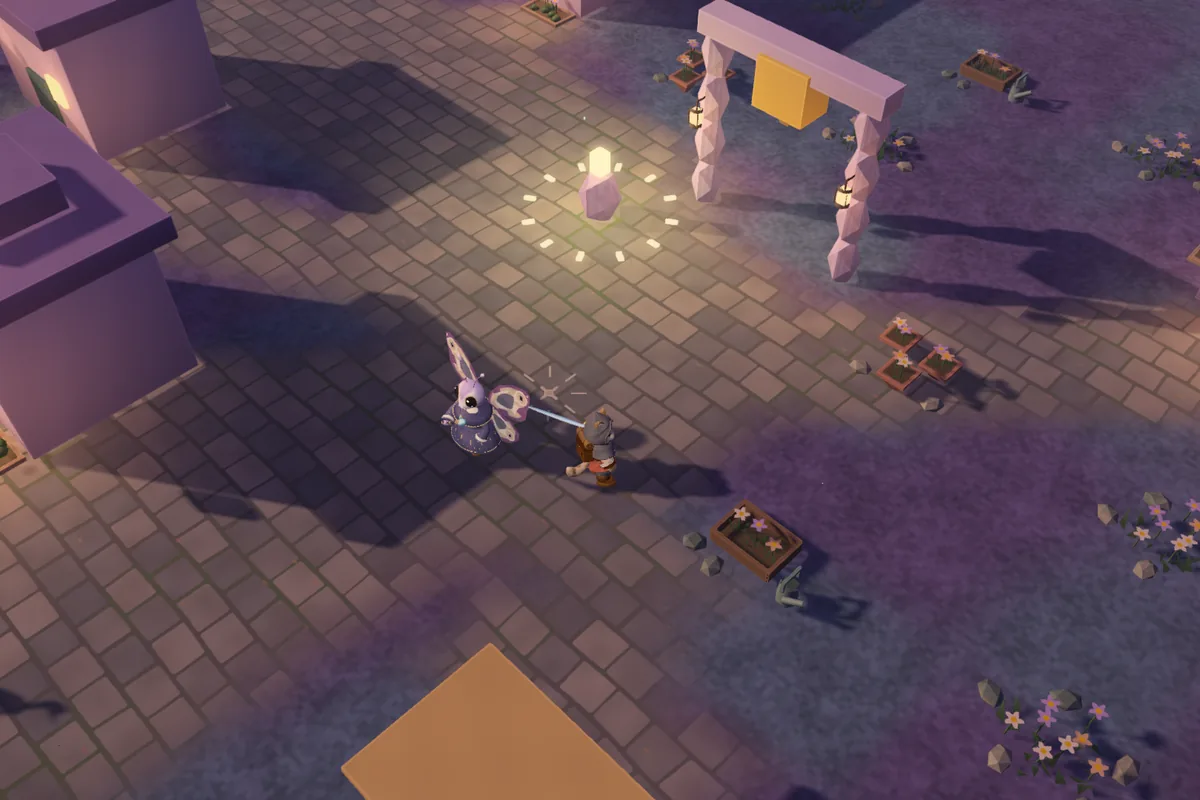
Every attack draws its exact shape on the ground before it lands, and the shape fills up at the moment of the hit. Step out of the outline or dash through it, then strike back while the foe recovers.
The colour tells you what the blow does. Rot, frost and bleeding fill meters under your hearts: the Violet Vale’s mushroom keepers throw spore clouds, the north freezes, rose blades cut.
Harder lands add champions: foes with one to three marks such as Frenzy, Bulwark, Spores, Rime, Bloodletting or Hunger. A dread champion carries a guardian’s health bar. The HUD shows each land’s threat, from 1 to 9, as skulls with a recommended level.
Foes and chests leave embers. You grow only by resting: sit by a lit lantern, a waystone or at an inn and choose Rest to heal and spend embers one level at a time.
Each level offers three cards: an upgrade, an attribute rank or, every third level, an oath such as spores, a serrated edge or rime.
Resting also wakes the fallen camps of the wilds, so rest when you need it. If you fall, your unspent embers wait where you fell: go back for them. What you have earned stays yours.
You carry a weapon, a skill, a coat and footwear, and attune talismans up to your slot capacity, from four slots to eight as the story goes on. Only equipped talismans count.
Residents’ stories reward talismans, traders sell weapons, spells, clothes and rations, and merchants buy the gear you no longer need. There are 45 quests to finish and 49 talismans to find.
M opens the paper atlas. Choose a quest or a place and follow the lights on the ground; new regions fill in as you walk.
In a dungeon, defeat each floor’s guardian to go deeper; a fountain in the sanctuary heals a heart a floor. In caves, solve chime and lantern puzzles.
The bridges are raised by hand: walk up to the chain at the bridgehead and press E. In the free version your journey ends at the South Bridge; the full game raises it and opens the rest of the world.
Between fights, fish off a pier, race a paper boat down the rapids or play a village concert. Each pastime is a small one-thumb game with its own music and prizes.
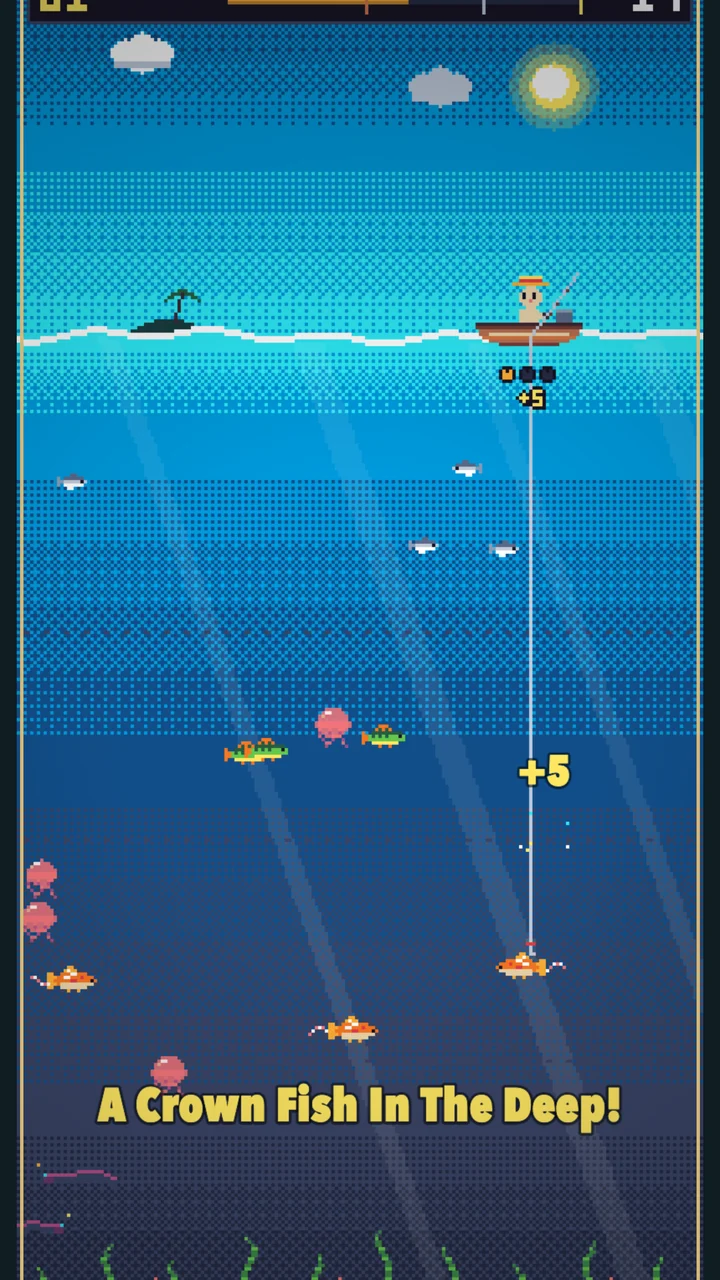
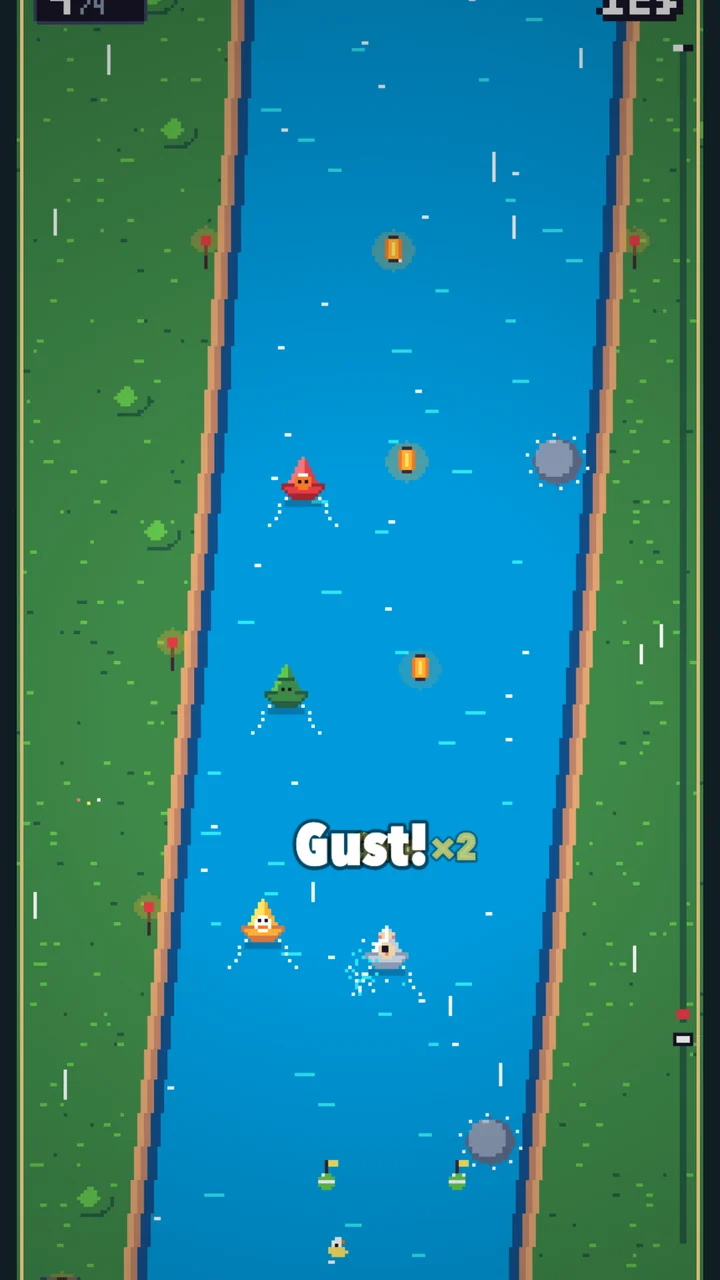
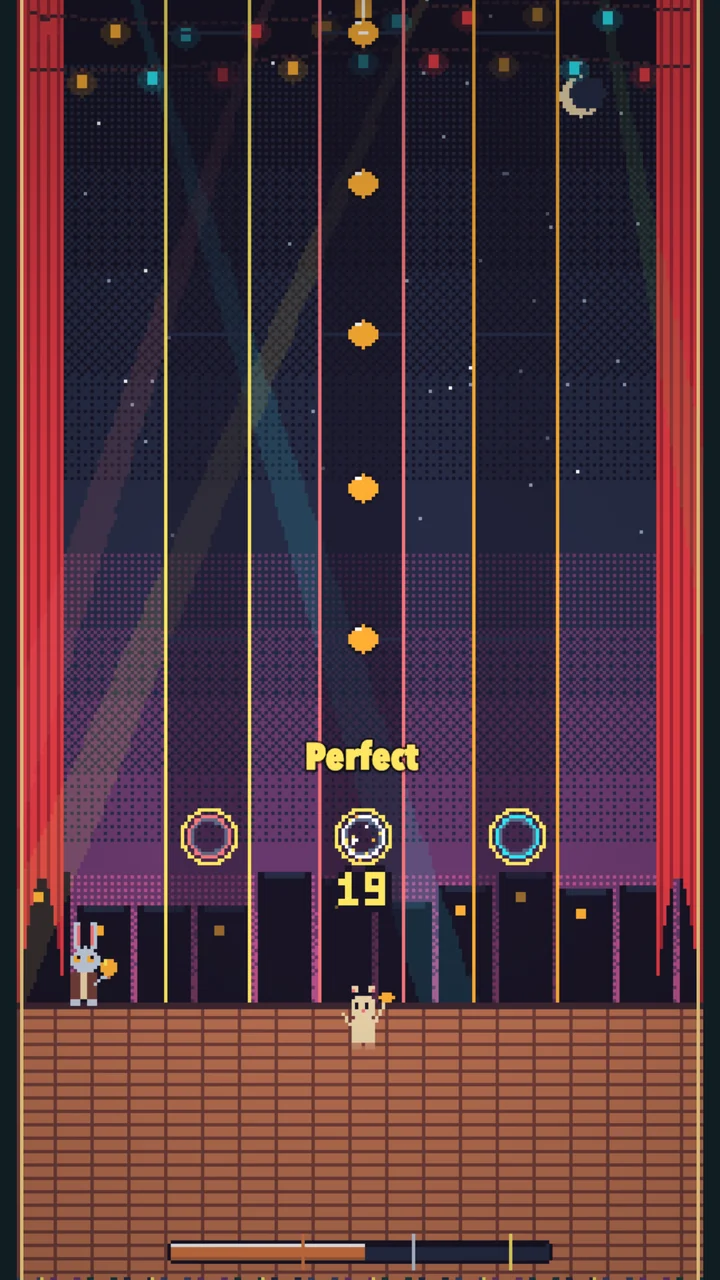
Progress saves automatically to one of three journeys on your device. Browser storage is not a cloud backup, so keep playing on the same device and browser.
The first island is free in your browser, with nothing to install. The full journey is on Galaxy Store: one purchase, no ads, no subscriptions.
Read next